
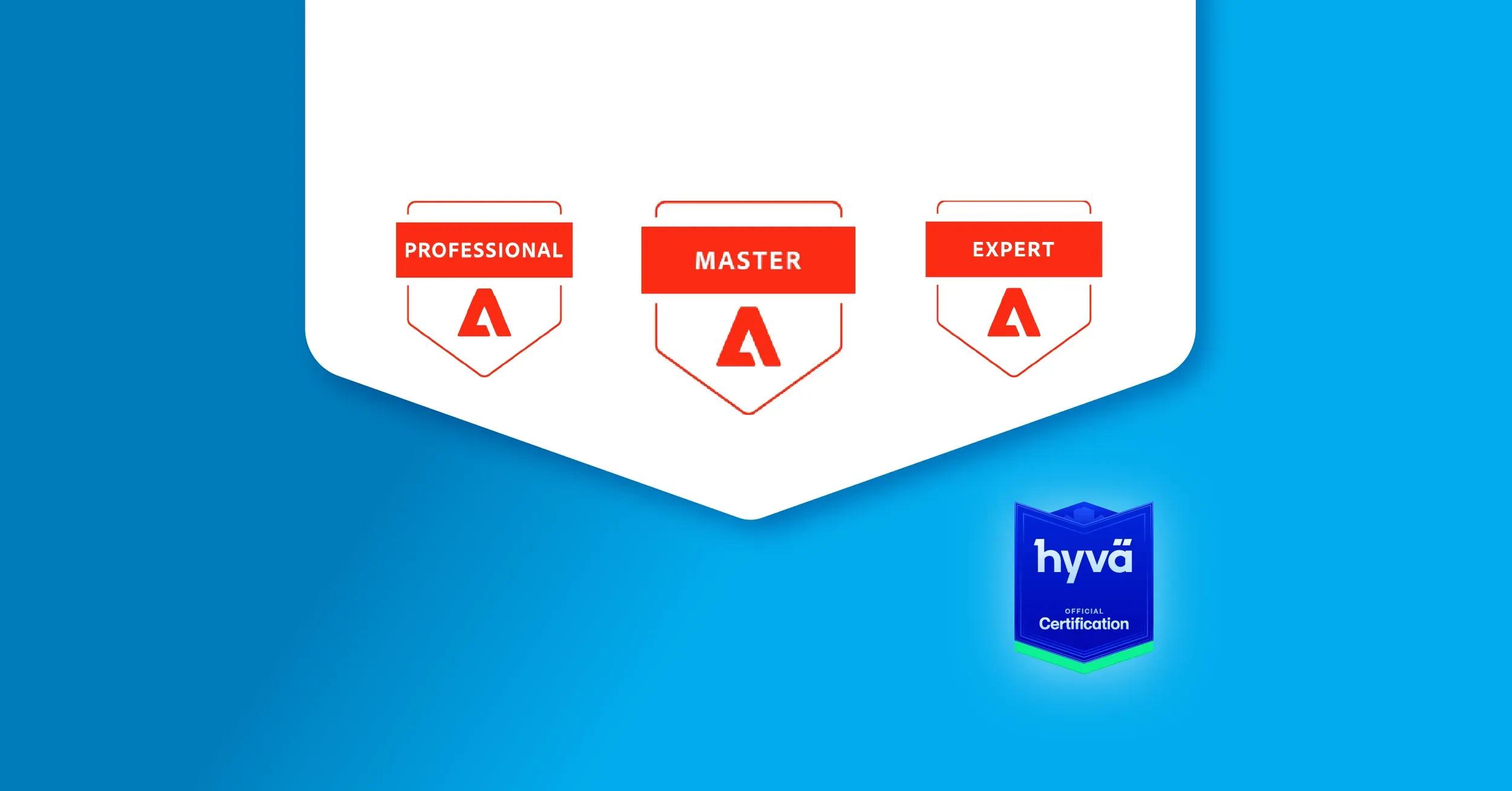
Learn about Magento 2 certifications, exams, and training options. Discover costs, requirements, and resources to boost your eCommerce career.
Updated for 2026
Magento (Adobe Commerce) is still one of the most flexible and independent eCommerce platforms on the market. You can implement almost any business rule or functionality on top of its architecture.
That flexibility comes with a cost: the platform is powerful, but not simple. And that’s exactly why Adobe Commerce (Magento) Certification is a great avidance of expertise. It’s one of the clearest ways to prove you understand real merchant scenarios, not just the basics. In this guide, we’ll cover the current Adobe Commerce certification options, how to prepare using courses, how renewals work, and how the legacy Magento badges map to today’s Adobe Commerce credentials.
Do Magento (Adobe Commerce) certifications matter in 2026?
Yes, Magento (Adobe Commerce) certifications matter do matter, but not because a badge magically makes someone a great developer.
In 2026, Adobe Commerce certification is useful because it’s a clear hiring signal and a shared baseline for working with a complex platform. It helps:
- Developers (backend / frontend): stand out in hiring and validate you can handle real platform use cases (All Adobe Commerce Crtifications are built on use case tasks).
- PMs / BAs / QA / UX: understand how Magento actually behaves (catalog, promotions, B2B, content workflows), so requirements and estimates are realistic.
- Merchants / eCommerce managers: feel confident managing the platform and discussing decisions with agencies/teams.
- Agencies: standardize team knowledge, reduce hiring and delivery risk, and build credibility during sales.
Why to choose Magento certified developers
Certification won’t replace experience but it does reduce risk in a platform where mistakes get expensive.
-
Lower project risk on a complex platform Certified devs are more likely to follow Magento best practices, which reduces “quick fixes” that break upgrades or create security breaches later.
-
Faster onboarding into a new project When someone already understands core concepts (EAV, indexing, caching, admin config, store views), they ramp up faster and need less hand-holding.
-
Better long-term maintainability Cleaner implementations mean fewer regressions, less rework, and smoother version upgrades — especially important for stores that evolve continuously.
-
Stronger security hygiene Certified developers tend to be more disciplined about secure coding, patching, permissions/ACL, and avoiding risky shortcuts.
-
More reliable performance work Magento performance is not “just caching.” Certified devs typically have better instincts around indexing, caching layers, query hotspots, and page weight.
-
Better collaboration with business teams They understand how merchants use the admin (catalog rules, shared catalogs, content workflows), so solutions fit real operations and not only “developer logic.”
-
Precise estimates and better architecture choices With structured knowledge, developers are less likely to underestimate complexity (multi-store, B2B, integrations), leading to fewer unpleasant surprises mid-project.
Certification levels (Professional → Expert → Master)
It's important to choose the level that matches your experience to pass certification. Most people don’t fail because they didn’t study enough, they fail because they picked the wrong level. Adobe’s exams are grouped into Professional → Expert → Master. Check Adobe Commerce Certification overview.
Select available certification, log in to your Adobe account, and you can find all the details, requirements, objectives, etc.
We'd like to focus on the comparison to help choose the right fit.
Business Practitioner: Professional vs Expert (what’s different)
Recommended experience
- Professional: ~0–12 months hands-on (foundation; mostly Magento Open Source core + basic Adobe Commerce understanding)
- Expert: ~1–3 years hands-on (real Adobe Commerce use cases + broader solution/architecture thinking)
What the exam is really testing
-
Professional = “Can you run a store day-to-day?” Core admin features and scope, catalog management, pricing/promos, customer journey, order lifecycle, CMS basics, and Commerce fundamentals.
-
Expert = “Can you map business requirements to the right Commerce capabilities?” Deeper decisions: Commerce vs Open Source differences, content workflows (Page Builder), B2B scenarios, MSI, search choices (native vs Live Search), BI, tailored pricing, product recommendations, integrations, and headless vs traditional approaches.
-
Pick Business Practitioner Professional if:
- you’re new to Magento/Adobe Commerce
- you mostly work with catalog, pricing/promos, order lifecycle, CMS basics
- you want a structured baseline before going deeper
-
Pick Business Practitioner Expert if:
- you’ve worked on real Commerce projects and translate requirements into platform decisions
- you’re comfortable discussing B2B, MSI, search options, Commerce add-ons, integrations
- you’re involved in solution design (even if you’re not coding)
Front-end Developer: Professional vs Expert (what’s different)
Recommended experience
- Professional: ~6–12 months hands-on Adobe Commerce front-end (theme work + delivering individual components)
- Expert: ~1–3 years hands-on (translating requirements into complete front-end solutions)
What the exam is really testing
-
Professional = “Can you build and extend Magento themes safely?” Theme hierarchy, layout XML basics, PHTML templates (escaping), LESS overrides, Magento JS fundamentals (RequireJS, mixins, Knockout, jQuery widgets), admin config that affects frontend, and CLI basics.
-
Expert = “Can you deliver Magento frontend features end-to-end (especially JS-heavy ones)?” Much deeper JavaScript focus (largest weight), using JS components via layout XML, stronger LESS/library work, Page Builder customization + optimizations, and more cloud/tooling awareness (plus newer topics like EDS boilerplate usage).
-
Pick Front-end Professional if:
- you’re comfortable with themes/layout/styling and basic Magento JS patterns
- you still “Google a lot” for mixins/KO/layout handles and want a structured benchmark
-
Pick Front-end Expert if:
- you can translate requirements into Magento-specific JS solutions
- you work confidently with RequireJS/mixins/Knockout and wire JS components via layout XML
- you handle Page Builder updates and performance decisions without fear
Back-end Developer: Professional vs Expert (what’s different)
Recommended experience
- Professional: ~6–12 months hands-on Adobe Commerce development
- Expert: 2+ years hands-on (strong programming skills + solution thinking)
What the exam is really testing
-
Professional = “Do you understand Magento backend fundamentals?” Module structure, CLI, cron/indexes/caching, DI/components (plugins/preferences/observers), store scopes, EAV basics, catalog + checkout/sales operations, API basics, plus introductory Cloud knowledge.
-
Expert = “Can you build production-grade solutions (and integrate Commerce in the real world)?” Performance and caching strategy, security features (CSP, form keys, reCAPTCHA, validation), Composer patches, external integrations (App Builder, Adobe I/O events/webhooks), message queues, integration tests, and deeper Cloud scope.
-
Pick Developer Professional if:
- you know Magento basics but want to validate architecture fundamentals and standard customizations
- you’re not yet comfortable with queues/testing/integration patterns
-
Pick Developer Expert if:
- you ship complex features and can translate requirements into technical design
- you work with security/performance tradeoffs, queues, tests, and integrations
- you have real Cloud experience or work in Cloud-style delivery
Architect Master (how it differs from Expert)
Recommended experience
- Master (Architect): ~3–5 years leading Commerce development projects (not just coding on them)
What the exam is really testing
-
Master = “Can you design and lead Adobe Commerce solutions end-to-end?” Solution design, integration flows, performance/scalability, review/refactor, enforcing standards, Cloud configuration and deployment oversight, and cross-domain troubleshooting (code + infrastructure + services).
-
Go for Architect Master if:
- you lead architecture decisions, reviews, and delivery/deployments
- you can explain solutions to business stakeholders and own tradeoffs
- you’re responsible for long-term maintainability and scaling
Legacy Magento badges → what they equal today (2026 mapping)
If you earned a Magento certification years ago, keep it — Adobe has renamed and refreshed exams multiple times.
Treat this as equivalents / evolution, not a strict 1:1 match.
Current Adobe Commerce certifications list:
| Legacy exam | What it maps to today (2026) | Notes | Legacy Badge | Current Badge |
|---|---|---|---|---|
| AD0-E700 (Business Practitioner Expert) | AD0-E708 Adobe Commerce Business Practitioner Expert | Now also avaliable AD0-E712 Adobe Commerce Business Practitioner Professional |  |  |
| AD0-E702 (Developer Professional) | AD0-E724 Adobe Commerce Developer Professional | History: E702 → E711 → E717 → E724 |  |  |
| AD0-E703 (Developer Expert) | AD0-E725 Adobe Commerce Developer Expert | History: E703 → E709 → E716 → E725 |  |  |
| AD0-E701 (Front-End Developer) | AD0-E726 Adobe Commerce Front-end Developer Professional | Now also avaliable AD0-E727 Adobe Commerce Front-End Developer Expert |  |  |
| AD0-E705 (JavaScript Developer) | AD0-E727 Adobe Commerce Front-End Developer Expert | JS/KO/RequireJS/UI Components are now part of the FE track |  |  |
| AD0-E706 (Cloud Developer) | Covered inside AD0-E724 Adobe Commerce Developer Professional and AD0-E725 Adobe Commerce Developer Expert | Cloud topics are now included in Dev exams |  |  |
| AD0-E707 (Order Management Dev) | Retired / legacy track (no current 1:1 successor in the main Commerce cert list) | Kept for historical reference |  |  |
| AD0-E704 (Architect Master) | AD0-E722 Adobe Commerce Architect Master | Equivalent / evolution (not 1:1) |  |  |
Hyvä certification (recommended path for modern Magento frontends)
Hyvä has become a theme of choice for Magento (Adobe Commerce) projects. With the wider Hyvä ecosystem evolving fast, it looks like the future of Magento storefront development and a strong option for Adobe Commerce.
The community is growing quickly, and with 8,000+ developers and 850+ agencies, certification is a great way to stand out and prove your Hyvä skills.
Hyvä certification (Associate vs Professional)
Hyvä certification overview
Hyvä Certified Associate Developer
Best if you’re new to Hyvä (or want to validate fundamentals fast).
What it proves: you understand Hyvä basics and can work with the Hyvä ecosystem.
Prep focus: Hyvä theme structure, Tailwind fundamentals, Alpine basics, common storefront customization tasks.
Hyvä Certified Professional Developer
Best if you already worked on real complex Hyvä projects and want a stronger proof of hands-on ability.
What it proves: you can deliver Hyvä storefront work end-to-end and make correct implementation decisions.
Prep focus: deeper Tailwind + Alpine patterns, performance-minded frontend implementation, building reusable UI patterns, real project workflows.
How to prepare for Hyvä certification
1) Get the official certification guides (pick your level)
Start by downloading the exam guides — they’re the best checklist for what you’re expected to know:
- Hyvä Certified Associate Developer — Certification Guide
https://drive.google.com/file/d/13oCYdvsaqwXvpj0yLtnT5WCJ7_csA1B5/view - Hyvä Certified Professional Developer — Certification Guide
https://drive.google.com/file/d/1NiWQOYQhxI6WZk6KzlY0toy7fA1FMHNq/view
Main difference between them:
- Associate = fundamentals and baseline Hyvä know-how (great if you’re new to Hyvä).
- Professional = deeper, real-project level skills (best if you’ve already built Hyvä storefronts and want a stronger proof of hands-on expertise).
2) Use Hyvä docs as your primary reference
3) Join the Hyvä Slack (fastest way to unblock yourself)
Slack is where you’ll find practical answers, patterns, and edge cases discussed by the community
4) Learn with a structured course (optional, but efficient)
If you prefer a clear curriculum (and less “guessing what to learn next”), this is a solid option:
https://www.yireo.com/training/magento2-hyva
How to prepare for certification
Start with Adobe’s official learning (free + structured)
The best starting point in 2026 is Adobe’s own certification ecosystem. It gives you a clean, role-based path and helps you study the same way the exam is structured.
Adobe courses are especially useful if you’re:
- switching to Adobe Commerce from another platform,
- preparing for a new role,
- or want to quickly validate gaps before booking an exam.
Paid Adobe training
If you need a more guided program (often used by enterprises and agency teams), Adobe also offers paid Commerce courses
Practice tests (how to find them)
Adobe provides practice tests inside the certification portal experience. The easiest way to find them:
- Open the Adobe Commerce courses list
- Select the course, then Study for exame and practice test
- Use them as a diagnostic tool: take a practice test early, identify weak areas, then come back after you’ve studied and re-test.
Tip: practice tests are most helpful when you treat them as use-case checks, not just “memorize answers”.
Community resources (deep dives + real-world prep)
Adobe’s materials cover the baseline well, but many people still need extra explanation, more examples, or “how it works in real projects”. That’s where the community resources are gold:
- SwiftOtter training (courses + exam prep): https://learning.swiftotter.com/p/magento-101
- M.academy (Magento / Adobe Commerce video courses): https://m.academy/
- Yireo training (great targeted topics + performance): https://www.yireo.com/training
We also have our own Magento 2 Boot Camp (currently suspended as it was based on offline training sessions)
Other Magento (Adobe Commerce) Development Guides and Courses
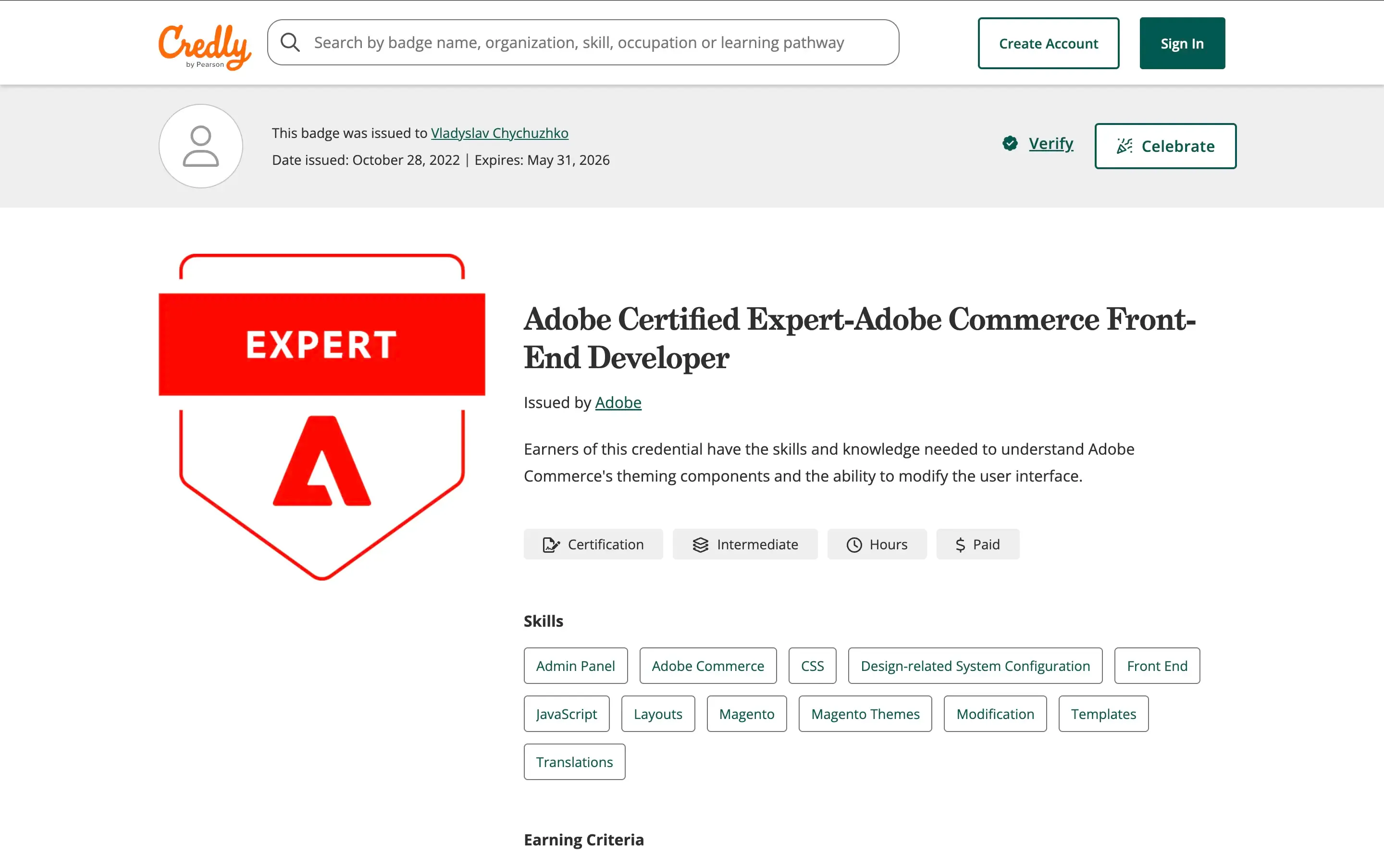
How do Certificates look like
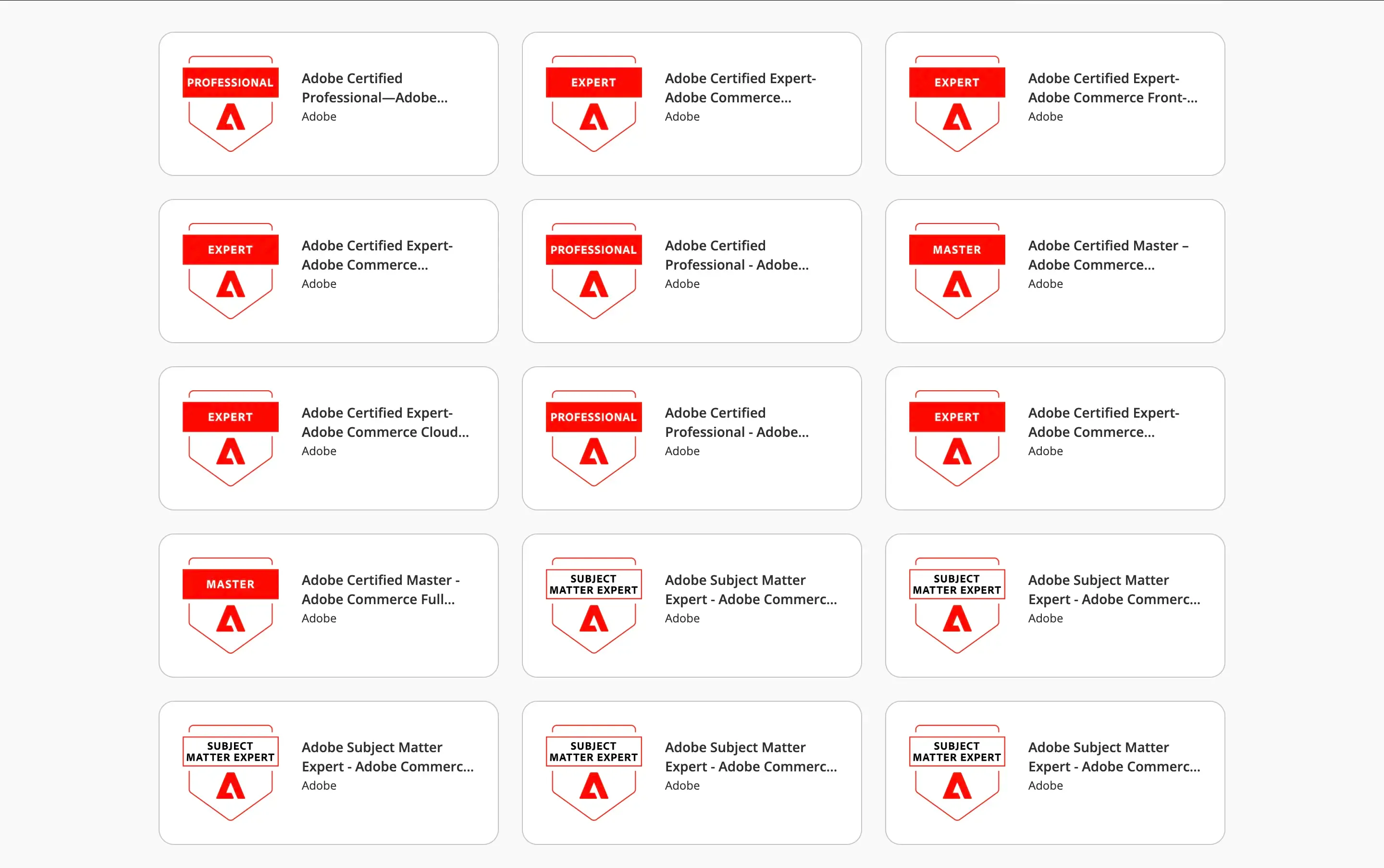
Example of how your Adobe Certified Expert-Adobe Commerce Front-End Developer badge page can look.
Content
Categories

How to learn Magento development in 2026
Learn Magento (Adobe Commerce) in 2026 with practical learning paths, official Adobe resources, Hyvä courses, community materials, and hands-on tips