
How to learn Magento development in 2026
22.12.2025

Learn Magento (Adobe Commerce) in 2026 with practical learning paths, official Adobe resources, Hyvä courses, community materials, and hands-on tips
Magento Open Source and Adobe Commerce are still behind some of the most complex eCommerce builds in the market multi-store setups, large catalogs, B2B pricing, and deep ERP/PIM/CRM integrations. That complexity is exactly why strong developers are in demand: businesses can’t afford fragile code or “it works on my machine” releases.
There are numerous reasons why you might want to learn Magento (Adobe Commerce): you’ve gotten a project on Magento, your client has asked to migrate his web store to Magento (Adobe Commerce) or buils a new frontend on Hyva, you want to enrich your skill set to be more competitive as a freelance developer, etc.
And successfully passing the Magento (Adobe Commerce) Certification Exams is a reliable proof of your professional level.
Why learn Magento (Adobe Commerce) in 2026
First, Hyvä has shifted expectations for Magento storefronts. Faster builds, cleaner code, and real performance wins made Magento frontends feel modern again, without forcing every project into a complex headless setup. For many teams, Hyvä became the practical “best of both worlds”: keep Magento’s backend power, but ship a storefront that feels lightweight and fast.
Second, the conversation is no longer “monolith vs headless” it’s composable by default. Even when the storefront isn’t fully headless, Magento projects increasingly rely on best-in-class systems around it: PIM for product data, ERP for inventory and pricing, CRM for customer context, and search/personalization tools for merchandising. Magento (and Adobe Commerce) sits in the middle as the transaction and catalog backbone, connected to everything that matters.
Third, Adobe Commerce features matter more than ever, B2B tooling, content workflows, merchandising controls, scalable cloud setups, and the governance. Adobe is also on the way to deliver high-impact shopping experiences and reduce operational costs.
Magento Open Source vs Adobe Commerce: what’s the difference?
At the core, both share the same Magento foundation: catalog, checkout, promotions, APIs, admin concepts, and the development approach (modules, DI, events, plugins, etc.). That’s why Open Source is great for learning fundamentals.
But Adobe Commerce adds a layer of enterprise-focused capabilities and tooling that you’ll see again and again in real projects. It changes how merchants run content, merchandising, B2B, and release workflows.
Where Adobe Commerce knowledge really matters
- B2B: company accounts, roles/permissions, shared catalogs, custom pricing per company, requisition lists, quotes, approval workflows. This is a whole world on its own and a major reason companies choose Adobe Commerce.
- Page Builder and content operations: marketers managing pages and landing content without developers, reusable content blocks, structured content workflows.
- Staging / content scheduling: planning campaigns, previewing changes, scheduling go-live and rolling back when needed.
- Live Search and Product Recommendations (where used): merchants care about search relevance, merchandising controls, and personalized suggestions and developers need to understand how it affects data, indexing, and storefront behavior.
- Cloud tooling & deployment workflows: environment structure, CI/CD expectations, config management, patches, performance layers, and “how things actually go live” on Commerce Cloud projects.
Adobe Commerce Certification
If certification is your goal, treat it as a hint from the market: Adobe certifications are heavily Commerce-oriented. They focus on real scenarios and Commerce features, not just Magento fundamentals. So “I learned Magento on Open Source” isn't enough, you need to understand how Adobe Commerce is used by real merchants.
Three practical learning paths, how people actually learn Magento (Adobe Commerce)
Magento learning isn’t about picking one role track and ignoring the rest. In real projects you’ll touch backend + frontend + business/admin (or at least understand how they connect). The difference is why you learn: to get job-ready fast, to pass certification, or to go deeper in one area.
Below are three paths you can follow depending on your goal.
Path 1. New to Magento / Adobe Commerce (new project or new position)
For: backend/frontend developers, PMs, BAs, and merchants who already know eCommerce, but are new to Adobe Commerce. Goal: become “project-ready” quickly, understand the platform end-to-end and speak the same language as the team.
Start here (recommended order):
-
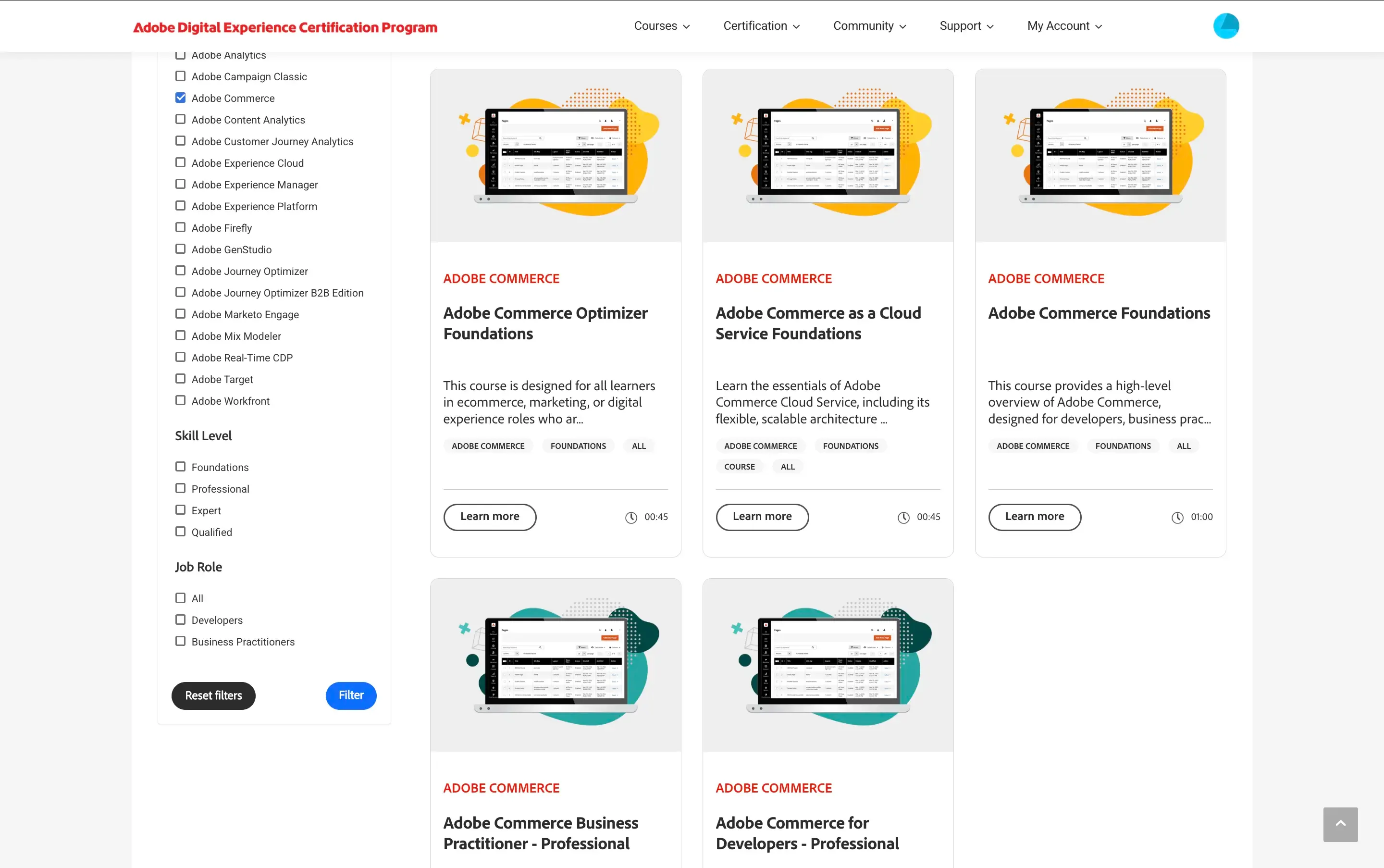
Use Adobe’s official Adobe Commerce learning paths to build the correct baseline (especially Commerce-specific workflows):
- Courses: Adobe Commerce courses
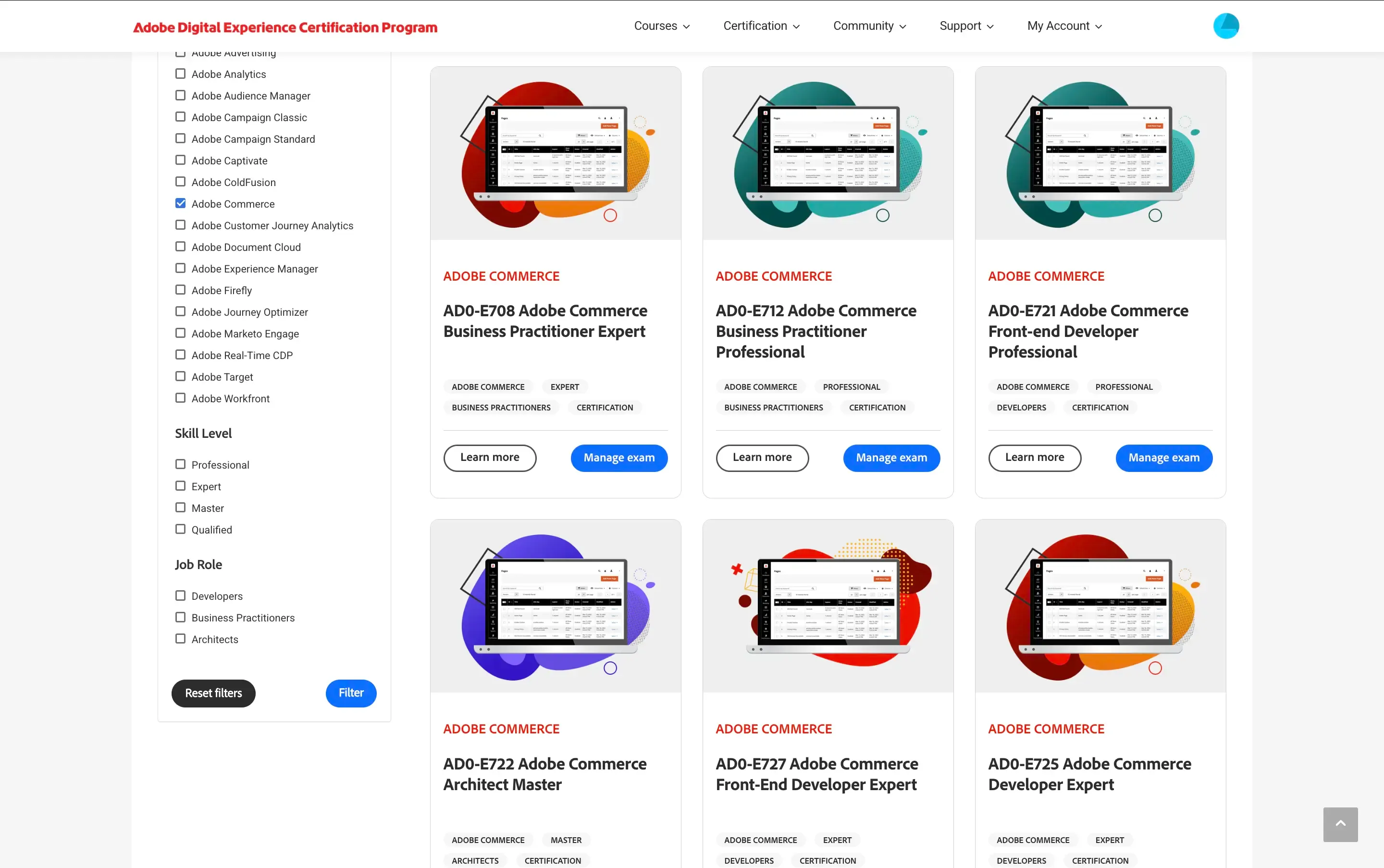
- Certifications overview (so you understand roles & expectations): Adobe Commerce certifications
-
Add a structured “real-world” course if you want guidance and momentum:
-
If your day-to-day is storefront work, start learning Hyvä early (it’s often the most practical frontend entry in 2026):
- Hyvä-focused courses at Yireo Training. Our developers highly recommend the Hyvä Themes course, which helped them onboard Hyva projects.
Path 2. Adobe Commerce Certification path
For: anyone who wants a structured target and proof of skills. Goal: cover Adobe Commerce features + scenario thinking (cert exams tend to be use-case driven).
How to do it without wasting time:
- Pick the certification(s) and treat the official course catalog as your “map”:
-
Study with official courses first, then validate with practice tests (they’re great even if you’re not taking the exam immediately):
-
Fill gaps with targeted training when you feel stuck or need exam-like structure:
- SwiftOtter Magento 101 (foundation + hands-on)
- m.academy (structured learning, good for leveling up)
- Yireo Training (strong deep dives)
Path 3. Extend experience in a specific area (specialization)
For: people already working with Magento (Adobe Commerce) who want depth in one domain. Goal: upgrade a specific area like Hyvä, performance, GraphQL, B2B, checkout, testing, or integrations.
How to specialize efficiently:
-
Search official Adobe courses by the exact topic you’re strengthening:
-
Add a focused community course that goes deeper than the basics:
- Specialist courses at Yireo Training (Hyvä, backend, GraphQL, performance topics)
-
Validate your knowledge with real tasks (more below) and optionally with certification-style practice tests.
Recommended resources by goal (quick map)
| Goal | Start with | Then add |
|---|---|---|
| New to Adobe Commerce | Adobe Commerce courses | SwiftOtter Magento 101, m.academy, Yireo Training |
| Get Adobe Certified | Adobe Commerce certifications + courses | Practice tests + targeted deep dives (SwiftOtter / Yireo / m.academy) |
| Go deep in one area | Adobe Commerce courses search by topic | Specialist training: Yireo (Hyvä is especially strong) |
Other Magento Development Guides and Courses
If you’re looking for an alternative (or a practical addition) to the official Adobe Commerce courses, there are plenty of community-driven options — from online training to local meetups and bootcamps. At Eltrino, we also run Magento learning initiatives like Eltrino Academy.
Learning by doing
When you’ve already learned the core concepts and how they apply to Magento 2 architecture, you have to put this knowledge into practice. As learning by itself does not lead to progress, new knowledge does not necessarily drive new results. If you don’t have a Magento 2 project to work on right now, you can try building modules or creating themes with a live demo. Find companies that are developing a Magento extension, choose the extension and try to recreate the same features with an online demo. Then compare your code line-by-line with the original one, read the comments, and look at the documentation for it, if available. You can make the same with Magento themes. Attend specific workshops, find tasks on freelance platforms.
A note on Mage-OS (Open Source ecosystem)
If you work with Magento Open Source in 2026, it’s useful to know about Mage-OS — a community-driven distribution aimed at continuing improvements around performance, usability, and community contributions:
- Mage-OS and the Mage-OS Distribution
It doesn’t replace Adobe Commerce learning, but it’s worth understanding if you’re active in the Open Source ecosystem.